Quick answer. In Grok vs ChatGPT image generation, neither tool wins every job. Grok Imagine Image 2.0 looks strongest for controlled edits, several reference images and quick resizing. ChatGPT Images 2.0 is a strong all-rounder if you want to create, edit and talk it through in one place. Run the same five tests on both, count the corrections, and keep the one that needs the least rework.
Last updated: 9 August 2026.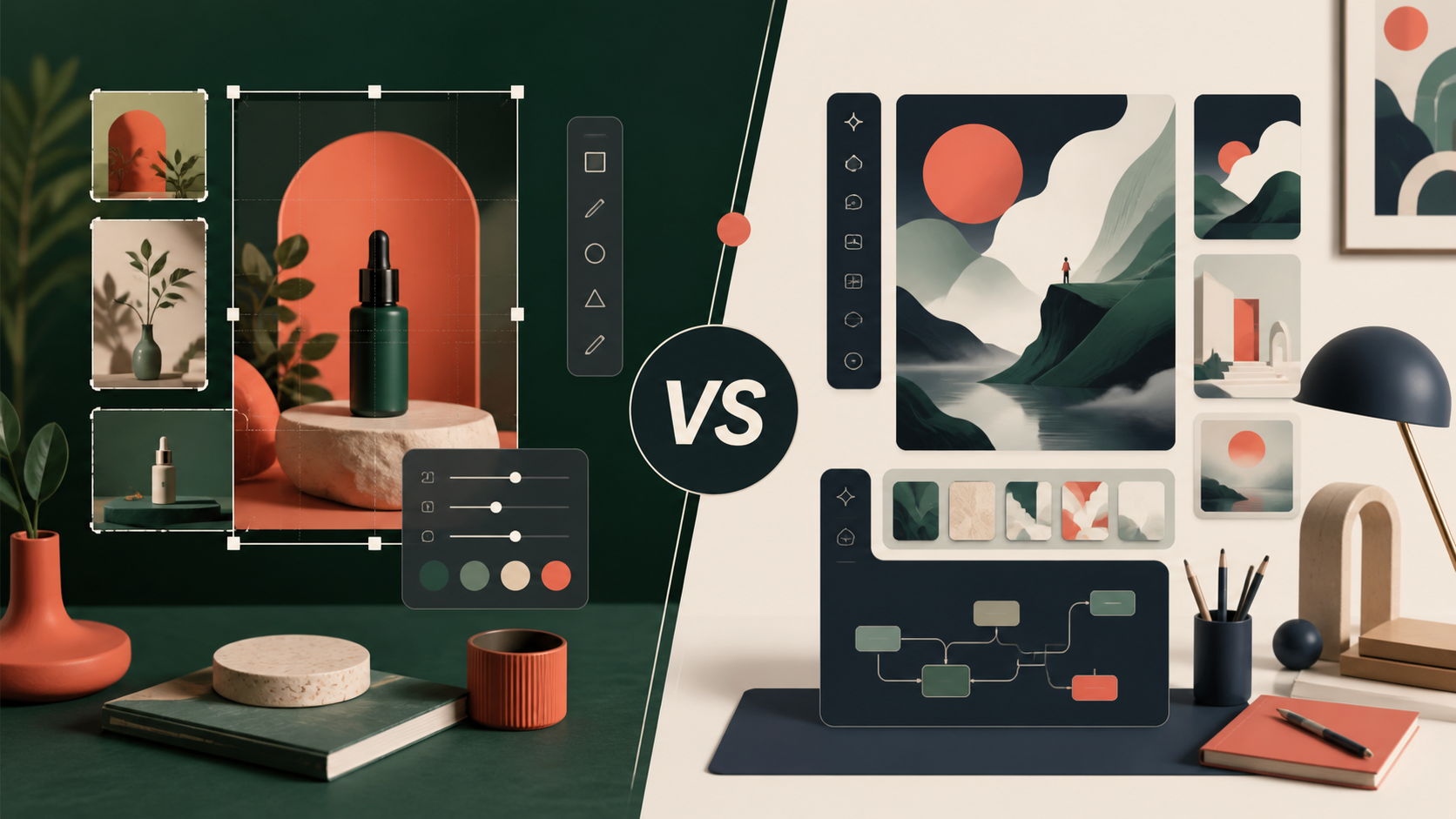
- Can it put the right words in an image?
- Can it edit one product without changing everything else?
- Can it create useful versions for a website, Instagram, LinkedIn and print?
- Can it keep a product, character or visual style consistent across a campaign?
Grok vs ChatGPT image generation: which should a small business try first?
Short answer: try ChatGPT first if you want to create, edit and talk an image through in one place, and try Grok first if your job is controlled edits, several reference images or quick resizing. Neither tool wins every task, so the honest answer depends on the picture you need.
Here is the short version, using only what xAI and OpenAI say about their own tools:
- Words inside the image: both companies say they have improved this. Test your exact wording, because a shop name spelled wrongly is still wrong.
- Changing one thing: Grok has a magic wand and segmentation tools for edits to one region. ChatGPT lets you select an area or describe the edit in the chat, and OpenAI warns that an edit can spill outside the selected area.
- Product photos: Grok takes up to five reference images in one edit. In ChatGPT you upload a reference and refine it step by step.
- Where you can use it: both are on web, iOS and Android. Grok’s API is listed as “coming soon”, so do not plan software around it yet.
One date check: OpenAI has since released ChatGPT Images 2.5, so read our ChatGPT Images 2.5 guide before you run the tests below against Images 2.0. Then count the corrections each tool needs. The one with fewer wins.
What changed with Grok Imagine Image 2.0?
xAI describes Imagine Image 2.0 as a model for practical creative work, not just one-off image generation. Its official announcement highlights:- precise instruction following for layouts and typography
- region-specific editing with a magic wand and segmentation tools
- background removal
- up to five reference images in one edit
- smart resizing across portrait, square, landscape and banner formats
- templates for product images, headshots, icons, character sprites and marketing assets
- a workflow for building a consistent character, location and prop world for video planning
What can ChatGPT Images 2.0 do?
OpenAI positions ChatGPT Images 2.0 around precision and control. ChatGPT can create new images, edit generated or uploaded images, add text and details, remove backgrounds and generate different aspect ratios. Its editor supports two useful approaches:- Select an area of the image, then describe the change.
- Describe the edit directly in the conversation and identify the area that should change.
Grok vs ChatGPT image generator: the fair five-test comparison
Do not compare the tools using two different prompts and a favourite output. Use a small test set that reflects the work your business actually does.Test 1: Typography and layout
Prompt both tools to create the same promotional graphic with:- a short headline
- a subheading
- three labelled benefits
- a clear call to action
- a defined colour palette
- a 16:9 layout
Test 2: Targeted edits
Generate the same product scene in both tools. Then ask each one to change only the product colour, while preserving:- the camera angle
- the lighting
- the background
- the product shape
- the shadows
Test 3: Product images
Upload the same product reference and request three outputs:- a clean e-commerce image
- a lifestyle image
- a social media campaign image
Test 4: Resizing and channel adaptation
Start with one approved image and create versions for:- a website banner
- a square social post
- a vertical story or short-video cover
- a 4:5 feed post
Test 5: Consistency over multiple images
Ask each tool to create a small campaign with the same:- product or character
- colour palette
- lighting style
- setting
- visual tone
Comparison table
| Test area | Grok Imagine Image 2.0 | ChatGPT Images 2.0 | What the business should measure |
|---|---|---|---|
| Typography | xAI highlights layout planning and small text | OpenAI highlights precision, text and detailed edits | Spelling, hierarchy and usable text |
| Targeted edits | Magic Wand and Segmentation tools | Selection tool and conversational editing | What changes, and what stays untouched |
| Product work | Up to five reference images and product templates | Upload-and-edit workflow with iterative refinement | Product identity and label accuracy |
| Resizing | Smart Resize with multiple ratios | Aspect-ratio picker and prompt-based resizing | Composition across channels |
| Consistency | Templates and a stated build-a-world workflow | Iterative edits and multiple uploaded references | Stable identity across a campaign |
| Availability | Web, iOS and Android; API coming soon | Web, iOS and Android; available across plans | Access, limits and team workflow |
Grok vs ChatGPT image generator: which should you choose?
Choose Grok first if you need controlled visual production
Grok is worth testing first if your work involves:- repeated product or marketing images
- precise regional edits
- several reference images
- fast resizing for different channels
- a recurring visual world for video or campaign development
Choose ChatGPT first if you want a general creative workbench
ChatGPT is worth testing first if your team values:- creating and editing in the same conversation
- turning a rough idea into an image through iteration
- working across text, research and visual tasks in one place
- an editor that is already familiar to the team
- broad availability across ChatGPT plans
The practical winner is the one that survives your workflow
If the business needs five different tools to repair every output, the most impressive demo is not the best option. That is the real Grok vs ChatGPT image generator test: which one leaves you with less fixing to do. Score both tools on:- time to a usable asset
- number of correction rounds
- accuracy of text and product details
- consistency across a campaign
- ease of review and approval
- total cost, including subscriptions and staff time
A safe way to run the test
Use non-confidential sample assets first. Do not upload sensitive customer information, unreleased product details or private business documents until you understand the relevant privacy and data-handling settings. Keep a simple test record:- Save the exact prompt.
- Record the model, plan and date.
- Use the same reference image in both tools.
- Save the first output and every major revision.
- Score the result before choosing a favourite.
- Ask another person to review the final assets without knowing which tool made them.
What this means for small businesses
AI image generation is becoming more practical, but it is not removing the need for a clear brief, brand rules or human approval. A business still needs to decide:- what the image is supposed to achieve
- who needs to understand it
- which details must remain accurate
- where the image will be published
- who approves the final version
Final thoughts
Grok Imagine Image 2.0 and ChatGPT Images 2.0 are both moving AI image generation towards more controlled, repeatable creative work. Grok's strongest case is workflow-oriented editing, references, templates and visual consistency. ChatGPT's strongest case is a broad conversational workbench for creating, editing and refining images alongside other business tasks. There is no universal winner in the Grok vs ChatGPT image generator race. Run the same five tests, measure the rework and choose the tool that helps your team produce accurate, useful assets consistently. At Ankor, we focus on practical AI systems that make business work clearer and easier to manage. The goal is not to chase every new tool. It is to build workflows that save time without lowering quality or control. Ankor Nexa includes a Creative Build Studio workflow for planning a campaign, and every important claim, price or date gets its own check before you approve it. It works in the ChatGPT, Claude or Gemini account you already have. Try it free for 7 days in ChatGPT or Claude. No card needed. After that, it’s once off or month to month. Your first step this week: pick one real product photo and run Test 2 (change only the colour) in both tools. You will learn more in twenty minutes than from any demo.Grok vs ChatGPT images: questions owners ask
Which is better at image generation, Grok or ChatGPT?
Neither wins every job. Grok Imagine Image 2.0 is worth testing first for controlled edits, several reference images and quick resizing. ChatGPT Images is worth testing first if you want to create and edit inside one familiar conversation. Run the same prompts in both and count the corrections.
How do I compare Grok and ChatGPT image generation fairly?
Use the same prompt and the same reference image in both tools, then score each result on text accuracy, targeted edits, product accuracy, resizing and consistency. Save every prompt and revision, and let someone who does not know which tool made each image review the results.
Does ChatGPT Images 2.5 change the Grok comparison?
It can. OpenAI announced ChatGPT Images 2.5 on 8 September 2026 and says it is faster and keeps products closer to your reference photos. Those are OpenAI’s claims, not Ankor test results, so rerun the five tests with the versions you can actually use today.
Which image tool should a small business start with?
Start with the one you already pay for, then test the other on one real job, such as changing only the colour of a product photo. Choose the tool that leaves you with the least fixing, not the one that makes the most dramatic single image.
Is Grok Imagine Image 2.0 available through an API?
Not yet, according to xAI’s official announcement. It is available through Grok’s web, iOS and Android products, while API access is listed as coming soon.
Which tool is better for product photography?
Test both with the same product references. Preserve the product shape, labels, colours and proportions as the main criteria. A visually striking result is not useful if it changes the product.
Sources
- Imagine Image 2.0 – xAI, 7 August 2026
- Introducing ChatGPT Images 2.0 – OpenAI, 21 April 2026
- Images in ChatGPT – OpenAI Help Center, current availability and editing guidance
- xAI launches Imagine Image 2.0 in Grok Quality Mode – TestingCatalog, 8 August 2026
Source note
TestingCatalog was used as a discovery and publication-date source. Product availability and capability claims in this article are anchored to the official xAI and OpenAI sources above. Rankings and early verdicts are comparative guidance, not independent benchmark results.Ankor tips
Stay in the loop
Practical AI tips for small businesses and the odd product update. No spam, unsubscribe any time.


A useful addition to the five-test scorecard would be a few pass/fail gates before an overall quality score. A changed product label, incorrect price or missing required wording should fail the business brief even if the lighting is attractive. For the targeted-edit test, reviewers could compare the same untouched crops from the background and packaging, not just the changed colour. Labeling the outputs A/B before review may also reduce brand preference in the scoring. I am posting for EzImageAI, a reference-image editing workspace; these checks help distinguish a successful requested change from a visually convincing but unusable asset without claiming a winner from documentation alone.