Quick answer. Grok Imagine vs ChatGPT images: Grok Imagine Image 2.0 and ChatGPT Images 2.0 are competing for the same business use cases: social graphics, product visuals, marketing assets and fast
Last updated: 9 August 2026.
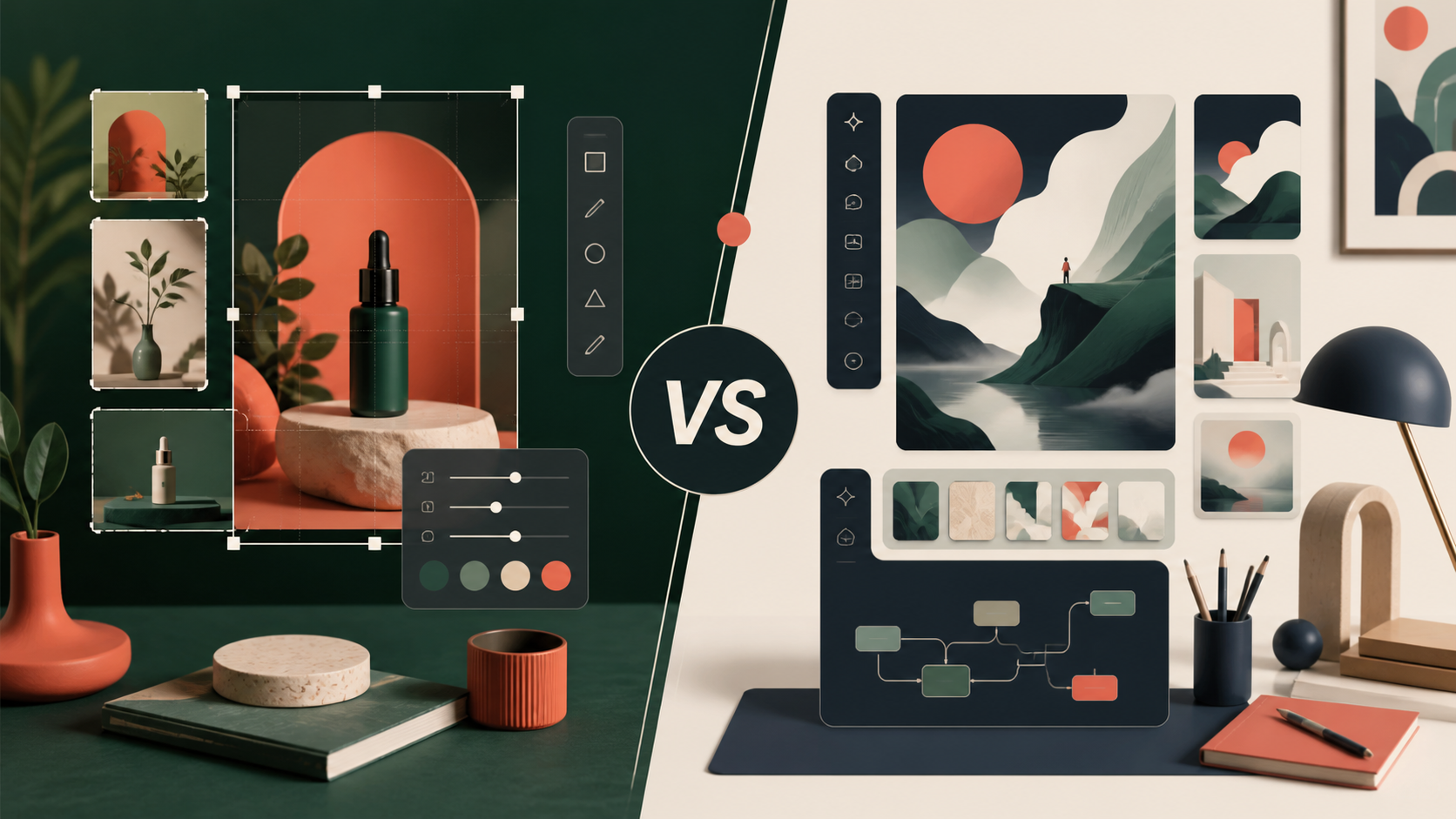
The AI image-generator race has moved beyond the question, "Can it make a picture?"
For a business, the more useful questions are practical:
- Can it put the right words in an image?
- Can it edit one product without changing everything else?
- Can it create useful versions for a website, Instagram, LinkedIn and print?
- Can it keep a product, character or visual style consistent across a campaign?
xAI's Imagine Image 2.0 and OpenAI's ChatGPT Images 2.0 are now serious contenders for this kind of work. xAI announced that Imagine Image 2.0 was generally available as Grok's Quality Mode on the web, iOS and Android on 7 August 2026. OpenAI announced ChatGPT Images 2.0 on 21 April 2026, and its current help documentation says the feature is available on web, iOS and Android across all ChatGPT plans.
The early answer is not that one tool wins every category. Grok looks particularly interesting for controlled editing, reference-driven creative work and repeatable visual workflows. ChatGPT remains a strong all-round option for businesses that want image generation, editing and conversation in one familiar workspace.
The only reliable way to choose is to test both tools with the same prompts, the same reference images and the same scoring criteria.
For a wider view of how small businesses can evaluate AI tools against real workflows, see GPT-5.6 Luna for Small Businesses.
What changed with Grok Imagine Image 2.0?
xAI describes Imagine Image 2.0 as a model for practical creative work, not just one-off image generation. Its official announcement highlights:
- precise instruction following for layouts and typography
- region-specific editing with a magic wand and segmentation tools
- background removal
- up to five reference images in one edit
- smart resizing across portrait, square, landscape and banner formats
- templates for product images, headshots, icons, character sprites and marketing assets
- a workflow for building a consistent character, location and prop world for video planning
The model is available through Grok's consumer products. xAI says API access is coming, so businesses planning a software integration should not assume that an API is available today.
xAI also reports that Imagine Image 2.0 ranks second in its cited image-generation and image-editing leaderboards. That is a company-reported claim based on the leaderboard snapshot shown in its announcement, not a substitute for an independent test.
What can ChatGPT Images 2.0 do?
OpenAI positions ChatGPT Images 2.0 around precision and control. ChatGPT can create new images, edit generated or uploaded images, add text and details, remove backgrounds and generate different aspect ratios.
Its editor supports two useful approaches:
- Select an area of the image, then describe the change.
- Describe the edit directly in the conversation and identify the area that should change.
OpenAI's documentation also warns that selected areas are not always perfectly precise and that edits can extend beyond the highlighted region. That is an important detail for business use. A tool may produce an attractive result and still require manual review before a product image, advert or client asset is published.
ChatGPT Images is available on web and mobile, and images can be generated in different aspect ratios. That makes it a convenient general-purpose option for turning an idea into a first visual, then refining it through conversation.
The fair five-test comparison
Do not compare the tools using two different prompts and a favourite output. Use a small test set that reflects the work your business actually does.
Test 1: Typography and layout
Prompt both tools to create the same promotional graphic with:
- a short headline
- a subheading
- three labelled benefits
- a clear call to action
- a defined colour palette
- a 16:9 layout
Score each result for spelling, exact wording, hierarchy, spacing and whether the text is usable without rebuilding the design in another application.
This is one of the most important tests for a business. A beautiful image with incorrect text is not a finished marketing asset.
Test 2: Targeted edits
Generate the same product scene in both tools. Then ask each one to change only the product colour, while preserving:
- the camera angle
- the lighting
- the background
- the product shape
- the shadows
The winner is not the image with the most dramatic transformation. It is the tool that makes the requested change without damaging the rest of the asset.
Test 3: Product images
Upload the same product reference and request three outputs:
- a clean e-commerce image
- a lifestyle image
- a social media campaign image
Check whether the product remains recognisable. Look closely at logos, labels, packaging, handles, buttons, proportions and small details.
For a small business, product consistency matters more than novelty. A slightly less exciting image that preserves the real product can be more valuable than an impressive image that quietly changes it.
Test 4: Resizing and channel adaptation
Start with one approved image and create versions for:
- a website banner
- a square social post
- a vertical story or short-video cover
- a 4:5 feed post
Score whether the subject remains well framed, whether important text stays visible and whether the tool expands the scene intelligently rather than simply cropping the original.
This is where xAI's Smart Resize and ChatGPT's aspect-ratio controls deserve a direct side-by-side test.
Test 5: Consistency over multiple images
Ask each tool to create a small campaign with the same:
- product or character
- colour palette
- lighting style
- setting
- visual tone
Do not judge only the first image. Compare the third, fourth and fifth outputs. A useful campaign tool should preserve the important identity details as the series develops.
Comparison table
| Test area | Grok Imagine Image 2.0 | ChatGPT Images 2.0 | What the business should measure |
|---|---|---|---|
| Typography | xAI highlights layout planning and small text | OpenAI highlights precision, text and detailed edits | Spelling, hierarchy and usable text |
| Targeted edits | Magic Wand and Segmentation tools | Selection tool and conversational editing | What changes, and what stays untouched |
| Product work | Up to five reference images and product templates | Upload-and-edit workflow with iterative refinement | Product identity and label accuracy |
| Resizing | Smart Resize with multiple ratios | Aspect-ratio picker and prompt-based resizing | Composition across channels |
| Consistency | Templates and a stated build-a-world workflow | Iterative edits and multiple uploaded references | Stable identity across a campaign |
| Availability | Web, iOS and Android; API coming soon | Web, iOS and Android; available across plans | Access, limits and team workflow |
This table describes documented capabilities and intended workflows. It is not a claim that either tool wins every test.
Early verdict: which tool should you choose?
Choose Grok first if you need controlled visual production
Grok is worth testing first if your work involves:
- repeated product or marketing images
- precise regional edits
- several reference images
- fast resizing for different channels
- a recurring visual world for video or campaign development
Its strongest differentiator is not simply image quality. It is the attempt to package common creative tasks into repeatable workflows.
Choose ChatGPT first if you want a general creative workbench
ChatGPT is worth testing first if your team values:
- creating and editing in the same conversation
- turning a rough idea into an image through iteration
- working across text, research and visual tasks in one place
- an editor that is already familiar to the team
- broad availability across ChatGPT plans
ChatGPT's advantage may be less about one specialised control and more about reducing the number of tools needed to move from brief to draft.
The practical winner is the one that survives your workflow
If the business needs five different tools to repair every output, the most impressive demo is not the best option.
Score both tools on:
- time to a usable asset
- number of correction rounds
- accuracy of text and product details
- consistency across a campaign
- ease of review and approval
- total cost, including subscriptions and staff time
The winner should be the tool that produces reliable work with the least rework, not the tool that creates the most spectacular single image.
A safe way to run the test
Use non-confidential sample assets first. Do not upload sensitive customer information, unreleased product details or private business documents until you understand the relevant privacy and data-handling settings.
Keep a simple test record:
- Save the exact prompt.
- Record the model, plan and date.
- Use the same reference image in both tools.
- Save the first output and every major revision.
- Score the result before choosing a favourite.
- Ask another person to review the final assets without knowing which tool made them.
This makes the comparison more useful than a quick social-media demonstration.
What this means for small businesses
AI image generation is becoming more practical, but it is not removing the need for a clear brief, brand rules or human approval.
A business still needs to decide:
- what the image is supposed to achieve
- who needs to understand it
- which details must remain accurate
- where the image will be published
- who approves the final version
The tools can accelerate production. They cannot decide whether an image is honest, on-brand, legally appropriate or useful to the customer.
Final thoughts
Grok Imagine Image 2.0 and ChatGPT Images 2.0 are both moving AI image generation towards more controlled, repeatable creative work.
Grok's strongest case is workflow-oriented editing, references, templates and visual consistency. ChatGPT's strongest case is a broad conversational workbench for creating, editing and refining images alongside other business tasks.
There is no universal winner. Run the same five tests, measure the rework and choose the tool that helps your team produce accurate, useful assets consistently.
At Ankor, we focus on practical AI systems that make business work clearer and easier to manage. The goal is not to chase every new tool. It is to build workflows that save time without lowering quality or control.
Frequently asked questions
Is Grok Imagine Image 2.0 available through an API?
Not yet, according to xAI's official announcement. It is available through Grok's web, iOS and Android products, while API access is listed as coming soon.
Is ChatGPT Images 2.0 available on mobile?
Yes. OpenAI's current help documentation lists web, iOS and Android availability.
Which tool is better for text inside images?
Both companies describe improvements in typography and text handling. The right answer should come from a controlled test using the exact wording your business needs, because attractive demonstrations do not guarantee perfect spelling or layout.
Which tool is better for product photography?
Test both with the same product references. Preserve the product shape, labels, colours and proportions as the main criteria. A visually striking result is not useful if it changes the product.
Can a business use AI-generated images without review?
Human review is still advisable. Check text, product accuracy, implied claims, brand consistency, licensing requirements and any customer or regulatory implications before publication.
Sources
- Imagine Image 2.0 – xAI, 7 August 2026
- Introducing ChatGPT Images 2.0 – OpenAI, 21 April 2026
- Images in ChatGPT – OpenAI Help Center, current availability and editing guidance
- xAI launches Imagine Image 2.0 in Grok Quality Mode – TestingCatalog, 8 August 2026
- OpenAI says Astra may have reached Critical cyber threshold – TestingCatalog, 8 August 2026; not used as evidence for the image comparison
Source note
TestingCatalog was used as a discovery and publication-date source. Product availability and capability claims in this article are anchored to the official xAI and OpenAI sources above. Rankings and early verdicts are comparative guidance, not independent benchmark results.
Stay in the loop
Get practical AI tips and product updates, no spam, unsubscribe any time.

