 ChatGPT for BeginnersFree course · about 1 hour
ChatGPT for Beginners
Quick answer. ChatGPT for beginners is a free 5-module course that takes you from never having used AI to using ChatGPT with confidence in about an hour. No jargon, no certificate, no cost. Start with lesson 1 below.
Everyone around you seems to be “using AI”. You nod along. Privately, you’re not sure what to type into the box. That is exactly who this course is for.
This is free beginner training, and you can use it on ordinary work tasks from the first lesson. The other free course is Claude for beginners. Together they make a short learning path: pick one tool, finish the five lessons, then decide whether you need anything more.
ChatGPT for beginners: from never used AI to confident in one afternoon
You get to actually use it, step by step, with nothing assumed. By the end of this short course you will be able to open ChatGPT, ask for things properly, work with your own documents, and get useful work done safely. No jargon, no pressure, no cost.
What is ChatGPT, in plain English?
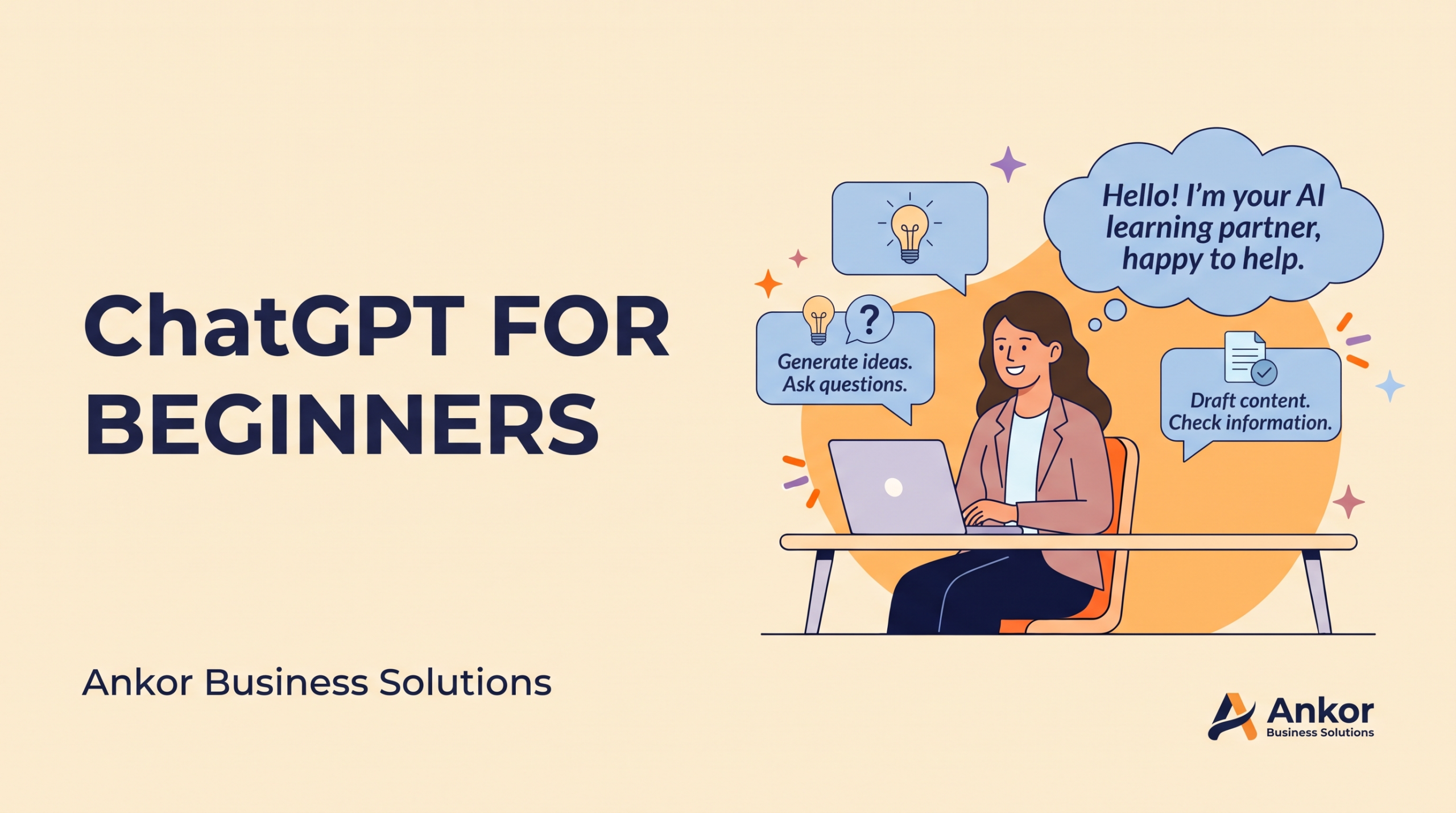
ChatGPT is an AI assistant made by OpenAI. You type a question or a request in ordinary language, and it types back an answer. It can draft an email, explain a letter, summarise a long document, suggest ideas, or turn your rough notes into a tidy list.
It is not a search engine and it is not always right. It predicts a useful answer from patterns in what it has learnt, which is why it can sound very sure of something that is wrong. That is not a reason to avoid it. It is a reason to read what it gives you, the same way you would read work from a new colleague on their first day.
There is a free version, and paid plans add more. You only need the free version for this course.
What you’ll learn in this free ChatGPT course
- Start your first conversation with ChatGPT and understand what comes back
- Ask for things in a way that gets a genuinely useful answer the first time
- Refine and correct answers instead of starting over
- Give ChatGPT your own documents and let it do the heavy lifting
- Build a safe daily habit that saves you real time
Course details
- Modules: 5
- Time to complete: about 60 to 75 minutes total
- Difficulty: Absolute beginner
- What you’ll need: a computer or phone, an email address, and 10 minutes at a time
The 5 lessons: how to use ChatGPT step by step
- Your First Conversation with ChatGPT: open ChatGPT and send your first message
- How to Ask ChatGPT for What You Actually Want: the one skill that changes everything
- Keep the ChatGPT Conversation Going: refine answers in seconds
- Give ChatGPT Your Own Documents: turn your files into finished work
- Put ChatGPT to Work, Safely: a confident daily habit
Think of it as a ChatGPT tutorial for beginners that you do with your own work, not with made-up examples. Use the Start lesson 1 button above when you are ready. You can move forwards and backwards through the contents list at any time.
What can beginners use ChatGPT for at work?
The best first tasks in ChatGPT for beginners are small, real and easy to check. A few that work well in week one:
- Emails you’ve been avoiding. Paste in the facts and ask for a short, polite draft.
- Meeting notes. Paste your scribbles and ask for actions, owners and dates.
- Explaining something. Ask it to explain a contract clause, a spreadsheet formula or a new term in plain words.
- A first draft. A social post, a job advert or a short article outline, which you then fix.
- Planning. Ask it to turn this week’s to-do list into an order that makes sense.
If you run a business, our guide on how to use AI in a small business picks up where this course stops, with three tasks and prompts you can copy.
Is ChatGPT safe for beginners to use?
It is safe when you use some common sense, and lesson 5 covers this properly. The short version:
- Don’t paste in passwords, card details, ID numbers or anything you wouldn’t put in an ordinary email.
- Check any fact, figure, date or name that matters before you rely on it.
- Read every message before it goes to a customer, a colleague or your landlord. Especially your landlord.
- You make the decisions. ChatGPT drafts; you decide what happens next.
Course project: do one real thing
What you’ll create: One finished, useful result from your own life or work, made with ChatGPT from start to finish.
Why it matters: This proves the skills are yours now, not just something you read about.
Instructions
- Choose a real task you actually need done this week (Module 1 comfort).
- Write it as a clear request: task, situation, format, and limits (Module 2).
- Refine the answer with two or three follow-ups (Module 3).
- If it involves a document, paste or upload it and work from it (Module 4).
- Give it a human check, verify any hard facts, and use it (Module 5).
Self-review checklist
- ☐ I sent a clear request with task, situation, format, and limits
- ☐ I refined the answer at least once instead of accepting the first draft
- ☐ I worked with my own document or text if the task needed it
- ☐ I read the final result and checked anything with real stakes
- ☐ I actually used the result
Bonus: Do the same task again next week. Notice how much faster it is the second time.
Where to go after ChatGPT for beginners
Once ChatGPT for beginners feels easy, you have three sensible next steps:
- Keep practising on real work. One task a day for two weeks beats any course.
- Try the other tool. Our free Claude for beginners course follows the same five steps, so you can compare.
- Learn from the source. OpenAI runs its own free OpenAI Academy courses for anyone with a ChatGPT account.
If you run a business and want ChatGPT to follow a proper weekly routine rather than a blank chat, the Essential Business Package adds a guided weekly rhythm to the assistant you already use. It helps you plan the week, choose one marketing action, record one decision and draft client paperwork from your facts, ready for you to check. Try it free for 7 days in ChatGPT or Claude. No card needed. After that, it’s once off or month to month.
Questions beginners ask
Is this ChatGPT for beginners course really free?
Yes. All five lessons are free to read and use, with no sign-up to Ankor needed. There is no certificate. You only need your own ChatGPT account, and the free version is enough.
How long does the course take?
About 60 to 75 minutes in total. Each lesson takes about 12 to 15 minutes, so you can do one, take a break and come back.
Do I need to be good with computers?
No. If you can send an email, you can use ChatGPT. The course assumes nothing and explains every step.
Can I use ChatGPT on my phone?
Yes. ChatGPT works in a web browser and in OpenAI’s phone apps. The lessons work the same way on a phone or a computer.
Should I learn ChatGPT or Claude first?
Either is fine. They work in a similar way, and the habits you learn in one carry over to the other. Pick the one you already have, or start here and try Claude later.
Your first step
Open lesson 1, send ChatGPT one real message today, and read what comes back. That’s it. That’s the whole first step. Made by Ankor Business Solutions. Share these lessons freely. Questions? Email admin@ankor.co.za.
Ankor tips
Stay in the loop
Practical AI tips for small businesses and the odd product update. No spam, unsubscribe any time.

