Quick answer. AI agents for small business: The best first AI agent for a small business is usually not a chatbot. Written for small-business owners.
AI agents for small business work best when they start with one narrow workflow, not a general-purpose chatbot. It is one narrow, repeatable workflow with clear rules, human approval and visible failure alerts. Start with a task such as lead follow-up drafts, proposal reminders or a weekly business summary, test it for two weeks and expand only when the evidence supports it.
AI agents for small business: why the best first workflow is boring
Small-business owners are interested in AI agents, but many are asking a more practical question: where should they start without creating another system to maintain?
A recent small-business discussion asked how to automate lead follow-ups, scheduling, CRM updates, proposal reminders and weekly summaries without spending weeks connecting n8n, Zapier, APIs, MCPs and custom assistants. The concern is valid. A workflow that saves two hours but silently fails, sends the wrong message or becomes impossible to update is not a useful business system.
The safest starting point is not a general-purpose chatbot. It is one narrow workflow that happens repeatedly, follows mostly stable rules and has a low cost of failure.
What makes a good first AI workflow?
Choose a task that meets these four conditions:
- It happens every week, or often enough to produce useful evidence.
- The steps are mostly repeatable and easy to explain.
- A person can review the result before anything important happens.
- A missed or incorrect action will be visible quickly.
This is why lead follow-up, proposal reminders and weekly work summaries are often better first projects than a fully autonomous customer-service agent.
Five sensible starting points
1. Lead follow-up drafts
The workflow can identify leads with no reply after a defined number of days, summarise the last interaction and prepare a suggested follow-up. The owner reviews and sends it.
2. Proposal reminders
The system can flag proposals that were sent but have not received a response. It can create a reminder draft using the existing context instead of asking the owner to reconstruct the conversation.
3. Weekly business summary
An AI workflow can collect completed tasks, open decisions, overdue actions and important notes into one short review. It should show the source of each item rather than inventing a status.
4. New enquiry triage
The workflow can classify incoming enquiries by topic, urgency and next action. It should route or draft a response, not make promises the business has not approved.
5. Document comparison
If a business repeatedly compares customer lists, forms, specifications or versions of a document, AI can help identify differences and prepare a review list. A person should still approve the final interpretation.
Use an approval-first pattern
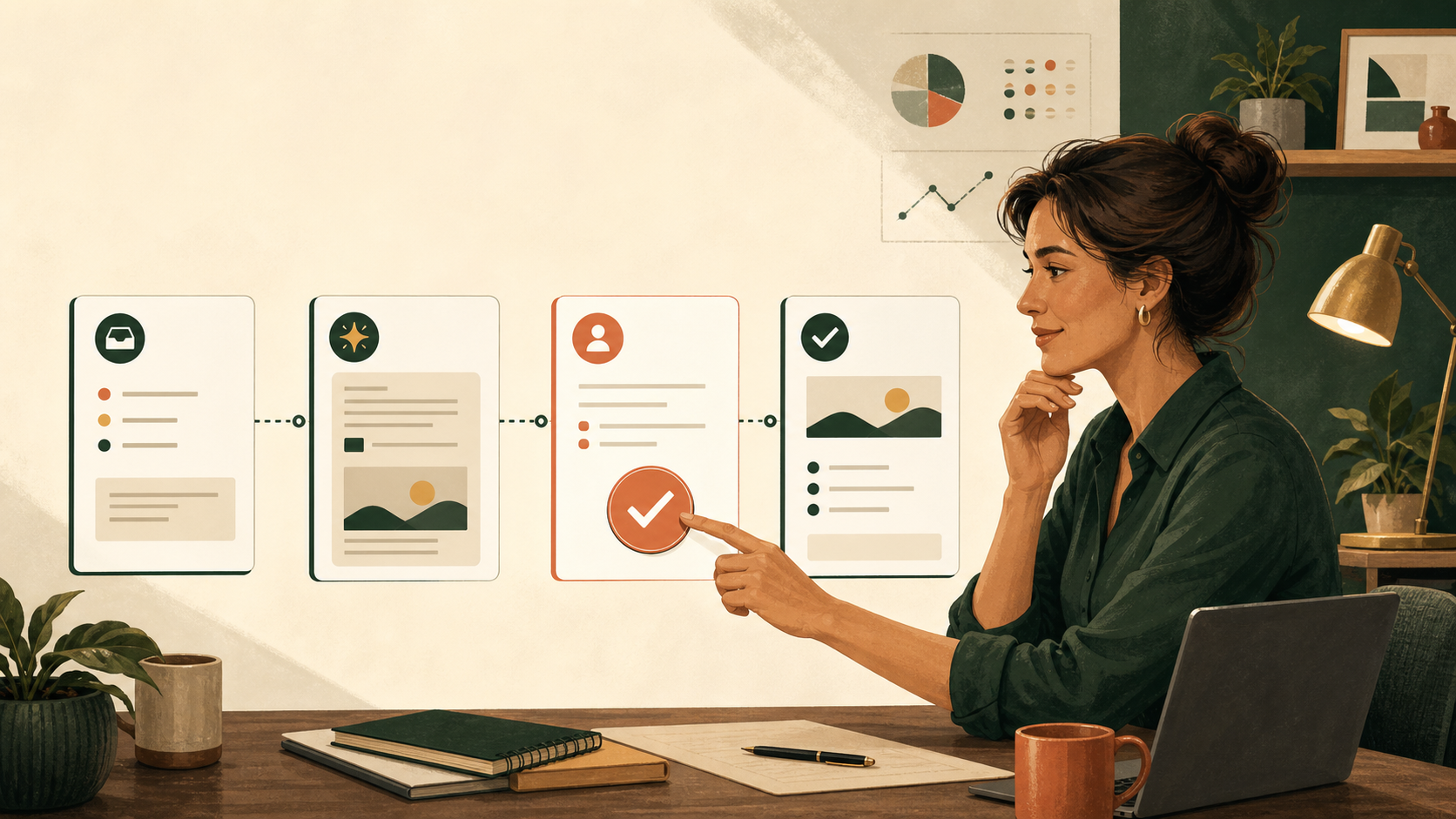
A practical AI workflow should follow a visible sequence:
- Detect: Find the item that needs attention.
- Collect: Bring in only the relevant source information.
- Draft: Prepare the proposed message, summary or next action.
- Review: Give a named person the chance to approve, edit or reject it.
- Record: Save what happened and who made the decision.
- Alert: Make failures, missing data and overdue reviews visible.
This human-in-the-loop pattern keeps AI useful without pretending that an agent should own the business relationship. It also makes the workflow easier to test and improve.
What not to automate first
Avoid starting with a workflow that has a high cost of failure or unclear ownership. Examples include:
- Sending unsupervised sales or customer messages.
- Changing prices, contracts or financial records.
- Giving regulated, legal, medical or financial advice.
- Running a large multi-agent system before the underlying process is clear.
- Connecting every tool in the business before one workflow has been proven.
The technology is not the only risk. A vague process produces vague automation. If the owner cannot explain what should happen when an input is missing, the workflow is not ready to run unattended.
Run a two-week pilot
Do not judge an AI workflow by how impressive the demo looks. Run it for two weeks and track:
- How many items it found.
- How many drafts were accepted with minor edits.
- How many errors or missing inputs occurred.
- How much time the owner saved.
- Whether any follow-up, deadline or decision was missed.
If the results are useful, automate the next safe step. If the workflow is unreliable, narrow it further before adding more tools.
The Ankor approach: start with the bottleneck
Ankor Business Solutions helps small teams turn scattered work into clearer AI-supported systems. The starting point is the business bottleneck, not a list of fashionable tools.
For operations, that may mean a guided workspace for tasks, decisions, approvals and handoffs. For growth, Opportunity Knocks helps small businesses collect, review and prioritise prospect and market opportunities before outreach. Ankor Nexa, Ankor’s AI business operating system, is built around the same principle: keep the source context visible, keep the approval boundary clear and make the next action easy to see.
AI should reduce repeated work without removing human responsibility. The best system is one the owner can explain today and still maintain six months from now.
Frequently asked questions
What is the best first AI agent for a small business?
Usually, a narrow workflow such as lead follow-up drafts, proposal reminders, weekly summaries or document comparison. Choose a repeatable task with stable rules and a low cost of failure.
Should an AI agent send customer messages automatically?
Not at the beginning. Start with drafts and human approval. Automate sending only after the workflow has demonstrated reliable results and the business has defined its safeguards.
How do I know whether an AI automation is worth building?
Run a short pilot and measure time saved, accepted drafts, errors, missed work and review effort. If the workflow does not create a clear benefit, adding more complexity will not solve the problem.
Do I need n8n, Zapier, MCPs and several AI tools?
No. Start with the smallest reliable workflow. Add another connection only when it removes a proven bottleneck and the owner can still understand how the system works.
The practical takeaway
Do not begin with the question, “What can an AI agent do?” Begin with, “Which repeated task is costing us time, and how can we make the next step safer and clearer?”
One well-designed workflow can create more value than a complicated agent that nobody trusts. Start small, keep a person in control, measure the result and expand only when the evidence supports it.
Last updated: 11 August 2026.
Source: This article responds to the practical concerns raised in the Reddit question, Small business owner using ChatGPT – where should I start with AI agents?
Stay in the loop
Get practical AI tips and product updates, no spam, unsubscribe any time.

