 Claude for BeginnersFree course · about 1 hour
Keep the Conversation Going
Quick answer. Keep the Claude conversation going: Refine and correct Claude’s answers in seconds instead of starting over. How to have a real back-and-forth conversation.

MODULE 3: Keep the Conversation Going
By the end of this module, you’ll be able to: Refine, correct, and build on Claude’s answers instead of starting from scratch.
Time: about 12 minutes · You’ll need: Modules 1 and 2 finished.
Why this matters
Beginners often accept a mediocre first answer because they do not realise they can simply ask for changes. You can. Claude remembers everything you have said in the current chat, so a conversation is a back-and-forth, not a vending machine.
Lesson 3.1: Ask for one change at a time
- Send a request and read the answer.
- If it is close but not perfect, type your next instruction in the same chat.
- Ask for one change at a time. Try: Make that shorter and a bit more formal.
- Keep going: Now give me two more options with different opening lines.
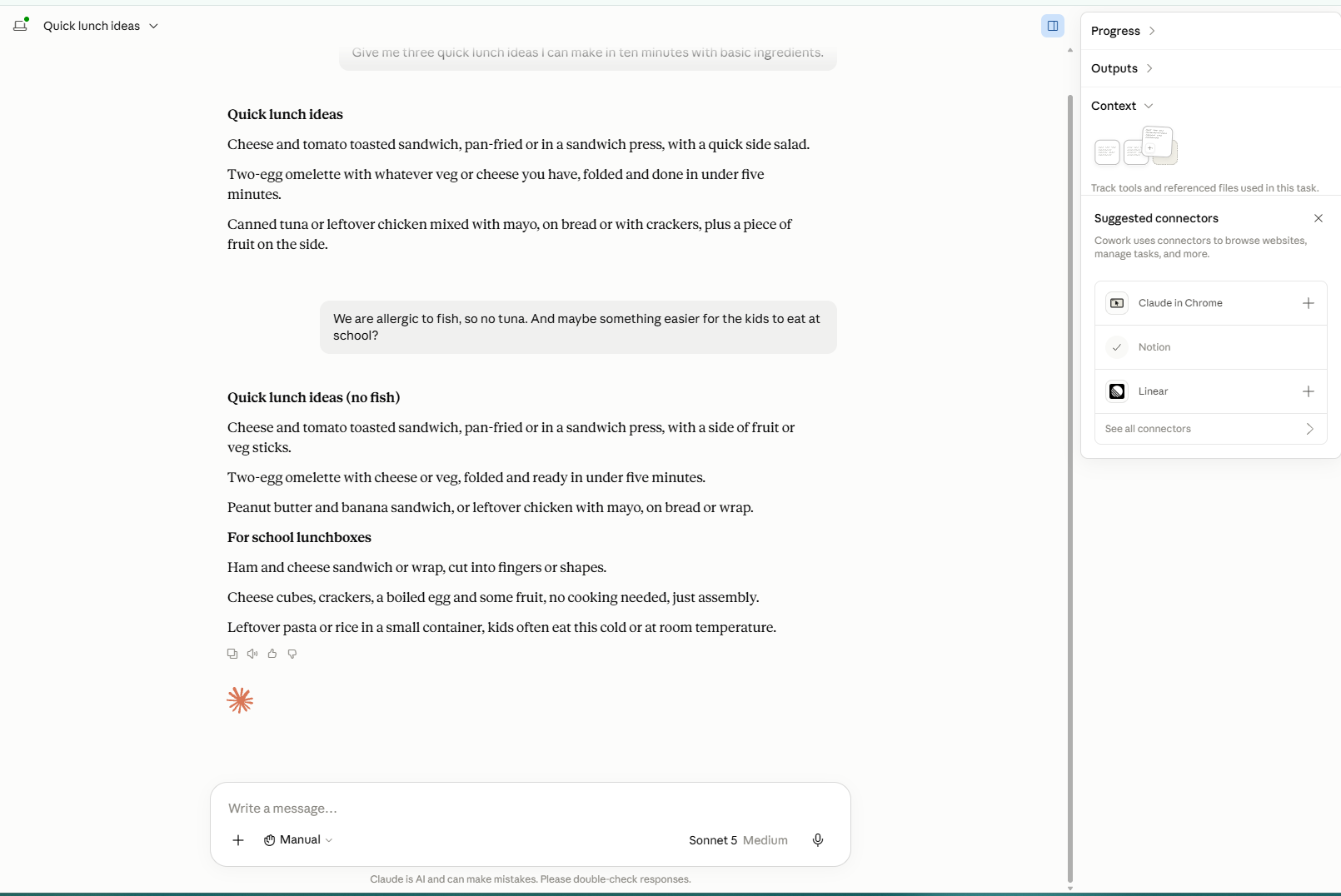
What you should see: A new version that keeps the good parts and changes only what you asked.
Lesson 3.2: When to start fresh instead
Claude carries the context of the current chat. That is helpful when you are refining one thing, but it can muddle answers if you jump to a completely different topic. When you switch tasks, start a new chat.
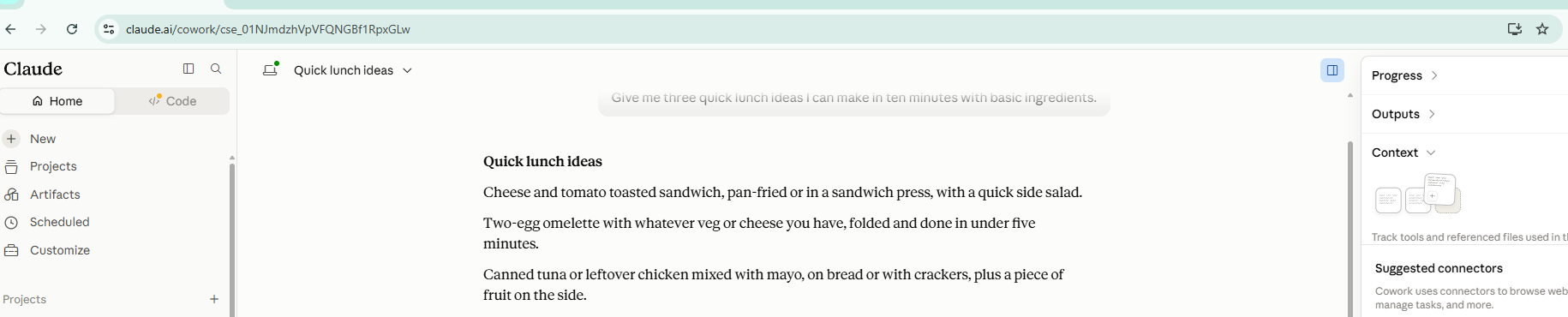
Why this matters: A fresh chat gives Claude a clean slate, so your new request is not coloured by the last one.
Example: three quick rounds
You ask for a social media caption. It is fine but long. You type make it half the length. Better. You type add one friendly question at the end. Better again. You type give me two versions. Now you have choices. Three quick messages, no starting over.
Common mistakes to avoid
Mistake 1: Starting a brand new chat every time.
If you are still working on the same thing, stay in the same chat so Claude remembers the context.
Mistake 2: Piling five unrelated jobs into one chat.
That confuses the context. One topic per chat keeps answers sharp.
Mistake 3: Being vague about the change.
“Make it better” is weak. “Make it shorter and warmer” tells Claude exactly what to do.
Quick practice (5 minutes)
Do this now: Take any answer from Module 2 and improve it in three steps. First shorter, then a different tone, then ask for two alternatives. Watch how fast it sharpens.
Key takeaway
You do not restart, you refine. Ask for one change at a time.
Next up: So far you have typed everything in. In Module 4 you’ll hand Claude your own documents and let it do the heavy lifting.
A gentle nudge: This back-and-forth is where the time savings live. If you refine the same kind of task over and over, a ready-made Ankor tool can often do it in one click.
Frequently asked questions about keep the Claude conversation going
What is keep the Claude conversation going?
Quick answer. Keep the Claude conversation going: Refine and correct Claude’s answers in seconds instead of starting over. How to have a real back-and-forth conversation.
What does this article say about why this matters?
Quick answer. Keep the Claude conversation going: Refine and correct Claude’s answers in seconds instead of starting over. How to have a real back-and-forth conversation.
What should a small business do with keep the Claude conversation going?
Read the practical steps in this article, then compare a structured business system such as Ankor Nexa rather than leaving the work in an unstructured chat.
Stay in the loop
Get practical AI tips and product updates, no spam, unsubscribe any time.

