Quick answer. AI agents for small business work best when they start with one boring, repeatable job, not a chatbot that tries to do everything. Pick one workflow, keep a person approving each step, run it for two weeks and only then decide whether to automate more.
The best first AI agent for a small business is usually not a chatbot. It is one narrow, repeatable workflow with clear rules, human approval and visible failure alerts. Start with a task such as lead follow-up drafts, proposal reminders or a weekly business summary, test it for two weeks and expand only when the evidence supports it.
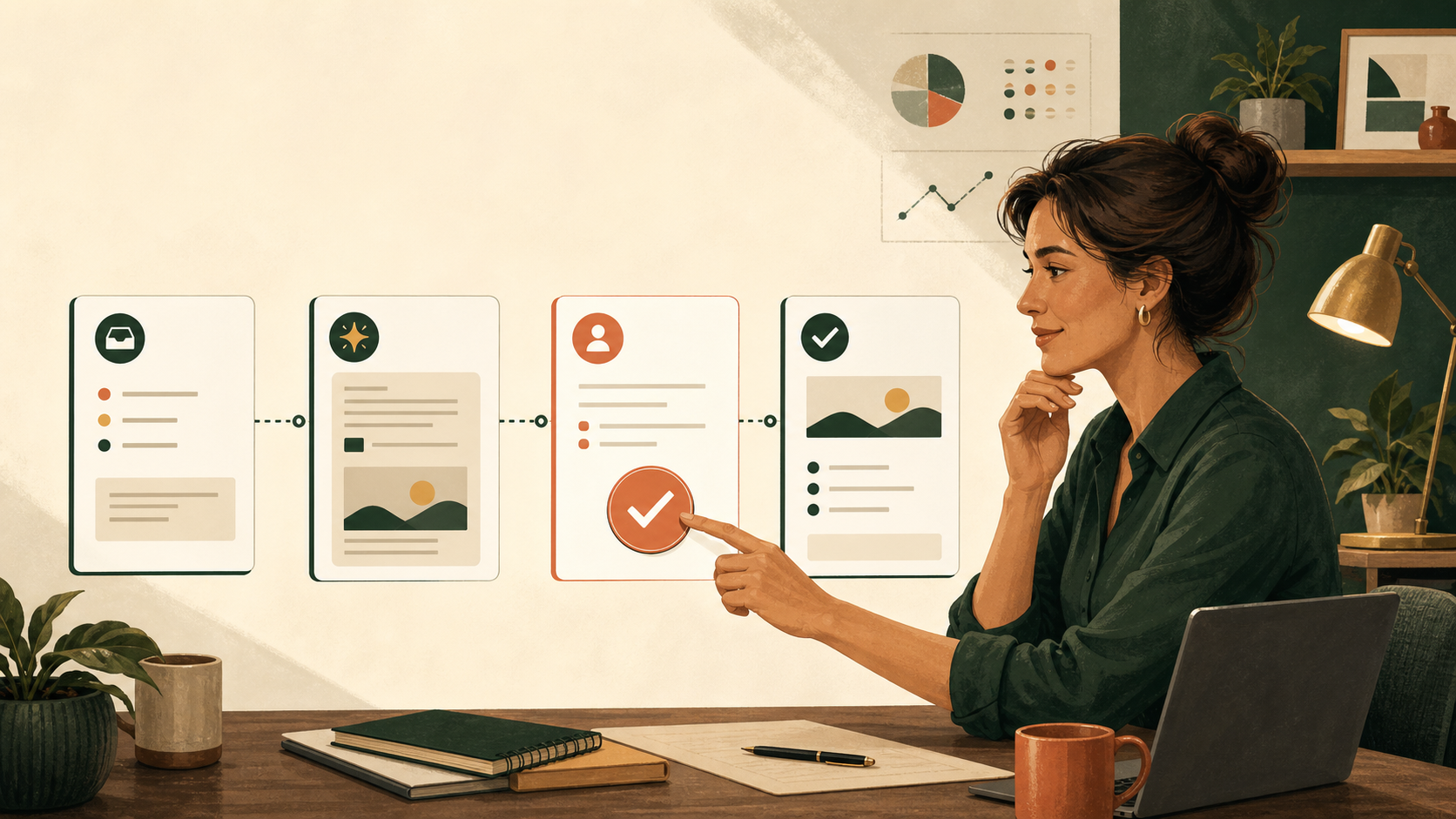
AI agents for small business: why the best first workflow is boring
Small-business owners are interested in AI agents, but many are asking a more practical question: where should they start without creating another system to maintain?
A recent small-business discussion asked how to automate lead follow-ups, scheduling, CRM updates, proposal reminders and weekly summaries without spending weeks connecting n8n, Zapier, APIs, MCPs and custom assistants. The concern is valid. A workflow that saves two hours but silently fails, sends the wrong message or becomes impossible to update is not a useful business system.
The safest starting point is not a general-purpose chatbot. It is one narrow workflow that happens repeatedly, follows mostly stable rules and has a low cost of failure.
What is an AI agent, in plain words?
An AI agent is AI that does a few steps of a job for you, not only answers a question. A chatbot waits for you to type and writes a reply. An agent can, for example, check your inbox for enquiries nobody has answered, pull up the last message in each thread and draft a follow-up for you to check.
That extra reach is what makes AI agents for small business useful, and also what makes them risky. Anything that can act can act wrongly. So the question is not “can an agent do this?” but “what happens if it gets this wrong, and how quickly would I notice?”
If you have only used ChatGPT as a chat so far, you are not behind. Most owners start there. Our post on AI workflows for small business covers the step from single chats to a simple system.
What makes a good first AI workflow?
Choose a task that meets these four conditions:
- It happens every week, or often enough to produce useful evidence.
- The steps are mostly repeatable and easy to explain.
- A person can review the result before anything important happens.
- A missed or incorrect action will be visible quickly.
This is why lead follow-up, proposal reminders and weekly work summaries are often better first projects than a fully autonomous customer-service agent.
5 AI agent examples for a small business to start with
1. Lead follow-up drafts
The workflow can identify leads with no reply after a defined number of days, summarise the last interaction and prepare a suggested follow-up. The owner reviews and sends it.
2. Proposal reminders
The system can flag proposals that were sent but have not received a response. It can create a reminder draft using the existing context instead of asking the owner to reconstruct the conversation.
3. Weekly business summary
An AI workflow can collect completed tasks, open decisions, overdue actions and important notes into one short review. It should show the source of each item rather than inventing a status.
4. New enquiry triage
The workflow can classify incoming enquiries by topic, urgency and next action. It should route or draft a response, not make promises the business has not approved.
5. Document comparison
If a business repeatedly compares customer lists, forms, specifications or versions of a document, AI can help identify differences and prepare a review list. A person should still approve the final interpretation.
Which AI agent for which job?
Here are seven common jobs side by side. The agent does the dull steps. You keep the checking. If a row looks like the job that eats your Mondays, start there.
| Job | What the agent does | What you still check | Where to start |
|---|---|---|---|
| Lead follow-up | Finds enquiries with no reply after a set number of days, summarises the thread and drafts a follow-up. | The price, the date and the tone. You send it yourself. | Pick one inbox or form. Set one rule, such as three days with no reply. |
| Proposal reminders | Flags proposals that were sent and not answered, and drafts a nudge using the original proposal. | That the proposal is still open and the details are current. | Start with proposals sent in the last 30 days. |
| Weekly business summary | Gathers finished tasks, open decisions and overdue items into one short page, with the source of each line. | That every line matches its source and nothing is missing. | Run it every Friday for four weeks and compare it with your own notes. |
| New enquiry triage | Sorts incoming enquiries by topic and urgency, and drafts a reply for the routine ones. | Anything urgent or unusual, and every promise in a draft. | Use three categories only: book, quote, other. |
| Appointment reminders | Drafts reminder and rescheduling messages from your calendar. | That times, places and names are right before anything goes out. | Start with one type of appointment. |
| Overdue invoice reminders | Lists invoices past their due date and drafts a polite reminder for each. | The amount, the customer and whether a dispute is open. Money wording is always yours. | Start with the most recent overdue invoices, and draft only. |
| Document comparison | Compares two versions of a form, list or specification and lists the differences. | What each difference means. The agent finds changes, you decide. | Pick a document you compare every month. |
Every row ends the same way: a person approves before anything leaves the business. Pick one row, not three.
Use an approval-first pattern
A practical AI workflow should follow a visible sequence:
- Detect: Find the item that needs attention.
- Collect: Bring in only the relevant source information.
- Draft: Prepare the proposed message, summary or next action.
- Review: Give a named person the chance to approve, edit or reject it.
- Record: Save what happened and who made the decision.
- Alert: Make failures, missing data and overdue reviews visible.
This human-in-the-loop pattern keeps AI useful without pretending that an agent should own the business relationship. It also makes the workflow easier to test and improve.
A worked example: the lead follow-up agent
Here is how the approval-first pattern looks for one real job. Say you run a small landscaping business and enquiries arrive by email and through your website form.
- Detect: every Monday and Thursday, the workflow lists enquiries with no reply from you for three days.
- Collect: for each one, it pulls the original message and your last reply, if there was one.
- Draft: it writes a short follow-up in your words, using only what the customer asked.
- Review: you read each draft, fix the price or date it cannot know, and send it yourself.
- Record: it notes which enquiries were followed up and which you chose to drop.
- Alert: if it could not read the inbox, it tells you instead of quietly finding nothing.
Nothing in that list needs a developer, and nothing goes to a customer without you. It is not glamorous. That is rather the point.
What not to automate first
Avoid starting with a workflow that has a high cost of failure or unclear ownership. Examples include:
- Sending unsupervised sales or customer messages.
- Changing prices, contracts or financial records.
- Giving regulated, legal, medical or financial advice.
- Running a large multi-agent system before the underlying process is clear.
- Connecting every tool in the business before one workflow has been proven.
The technology is not the only risk. The US National Institute of Standards and Technology makes a similar point in its AI Risk Management Framework: how risky an AI system is depends on how and where it is used. A vague process produces vague automation. If the owner cannot explain what should happen when an input is missing, the workflow is not ready to run unattended.
Run a two-week pilot
Do not judge an AI workflow by how impressive the demo looks. Run it for two weeks and track:
- How many items it found.
- How many drafts were accepted with minor edits.
- How many errors or missing inputs occurred.
- How much time the owner saved.
- Whether any follow-up, deadline or decision was missed.
If the results are useful, automate the next safe step. If the workflow is unreliable, narrow it further before adding more tools. Two weeks of honest numbers will tell you more about AI agents for small business than any demo.
If an agent seems to forget earlier instructions on a long task, the cause can be its context window, the working space it can hold at once; the Codex context window explained shows the idea with a real example.
The Ankor approach: start with the bottleneck
Ankor Business Solutions helps small teams turn scattered work into clearer AI-supported systems. The starting point is the business bottleneck, not a list of fashionable tools.
For operations, that may mean a guided workspace for tasks, decisions, approvals and handoffs. For growth, Opportunity Knocks finds businesses with a public reason to hear from you, with the evidence for each one. You decide who to contact. Ankor Nexa, Ankor’s AI business operating system, is built around the same principle: keep the source context visible, keep the approval boundary clear and make the next action easy to see.
Ankor Nexa and Opportunity Knocks work inside the ChatGPT or Claude account you already have. Try it free for 7 days in ChatGPT or Claude. No card needed. After that, it’s once off or month to month.
AI should reduce repeated work without removing human responsibility. The best system is one the owner can explain today and still maintain six months from now.
Frequently asked questions
What is the best first AI agent for a small business?
Usually, a narrow workflow such as lead follow-up drafts, proposal reminders, weekly summaries or document comparison. Choose a repeatable task with stable rules and a low cost of failure.
Should an AI agent send customer messages automatically?
Not at the beginning. Start with drafts and human approval. Automate sending only after the workflow has demonstrated reliable results and the business has defined its safeguards.
How do I know whether an AI automation is worth building?
Run a short pilot and measure time saved, accepted drafts, errors, missed work and review effort. If the workflow does not create a clear benefit, adding more complexity will not solve the problem.
Do I need n8n, Zapier, MCPs and several AI tools?
No. Start with the smallest reliable workflow. Add another connection only when it removes a proven bottleneck and the owner can still understand how the system works.
Is an AI agent safe for a small business?
It can be, if it starts with drafts, a person approves anything that leaves the business, and failures are visible. Give it access only to what the one workflow needs, not to every tool you own.
The practical takeaway
Do not begin with the question, “What can an AI agent do?” Begin with, “Which repeated task is costing us time, and how can we make the next step safer and clearer?”
One well-designed workflow can create more value than a complicated agent that nobody trusts. Start small, keep a person in control, measure the result and expand only when the evidence supports it.
Last updated: 11 August 2026.
Source: This article responds to the practical concerns raised in the Reddit question, Small business owner using ChatGPT – where should I start with AI agents?
Ankor tips
Stay in the loop
Practical AI tips for small businesses and the odd product update. No spam, unsubscribe any time.

